Bug #1222
open
Clustered Column Chart – Visual and General Formatting Issues (Arabic & English Interfaces)
Added by alsaeedai shah about 1 month ago.
Updated about 1 month ago.
Status:
Waiting for Regression
Description
General Issue with the Chart:
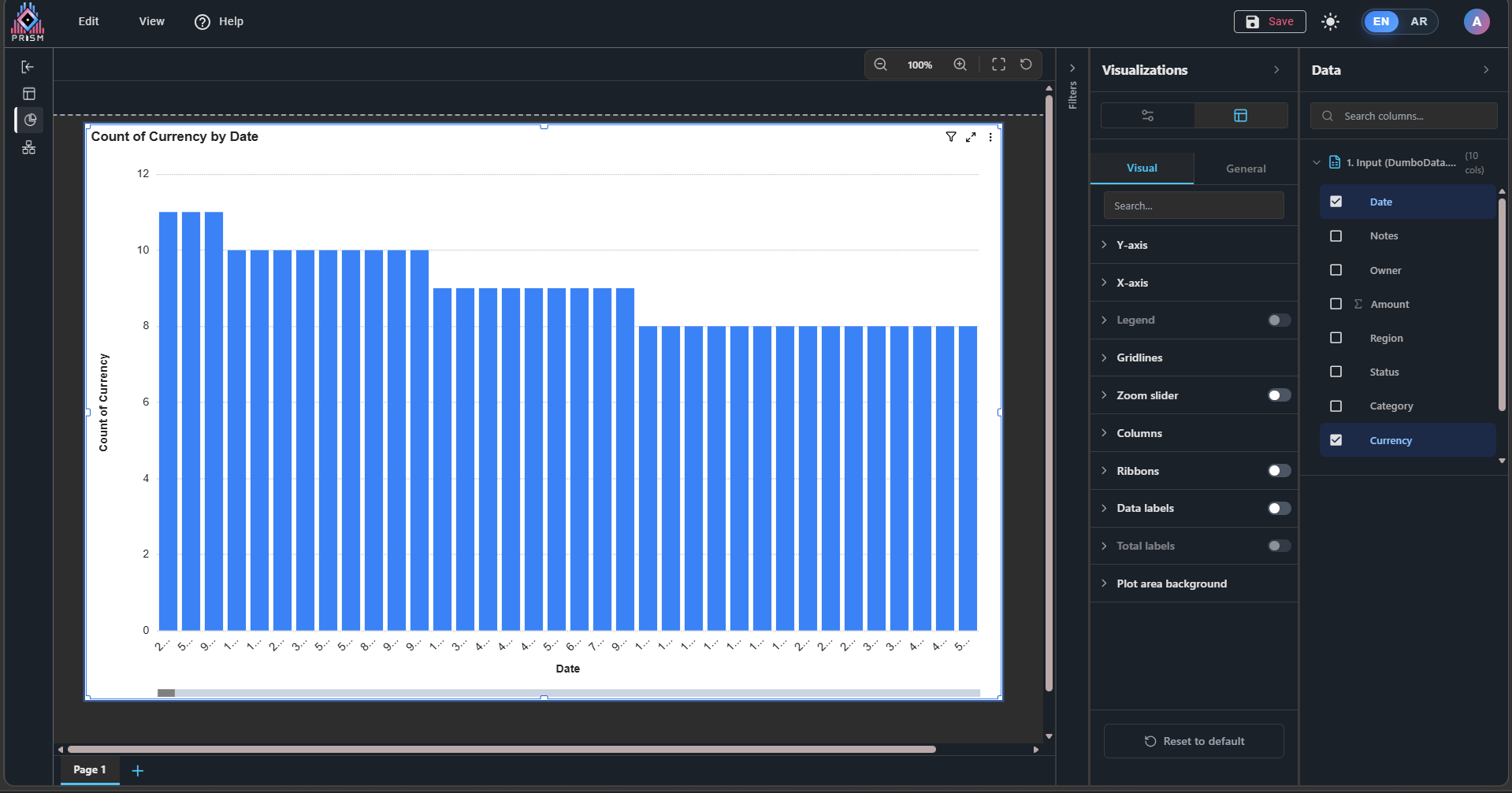
1- When inserting and resizing the chart, the values on the X-axis do not appear completely even when the chart size is reduced.
Visual Section – Visual
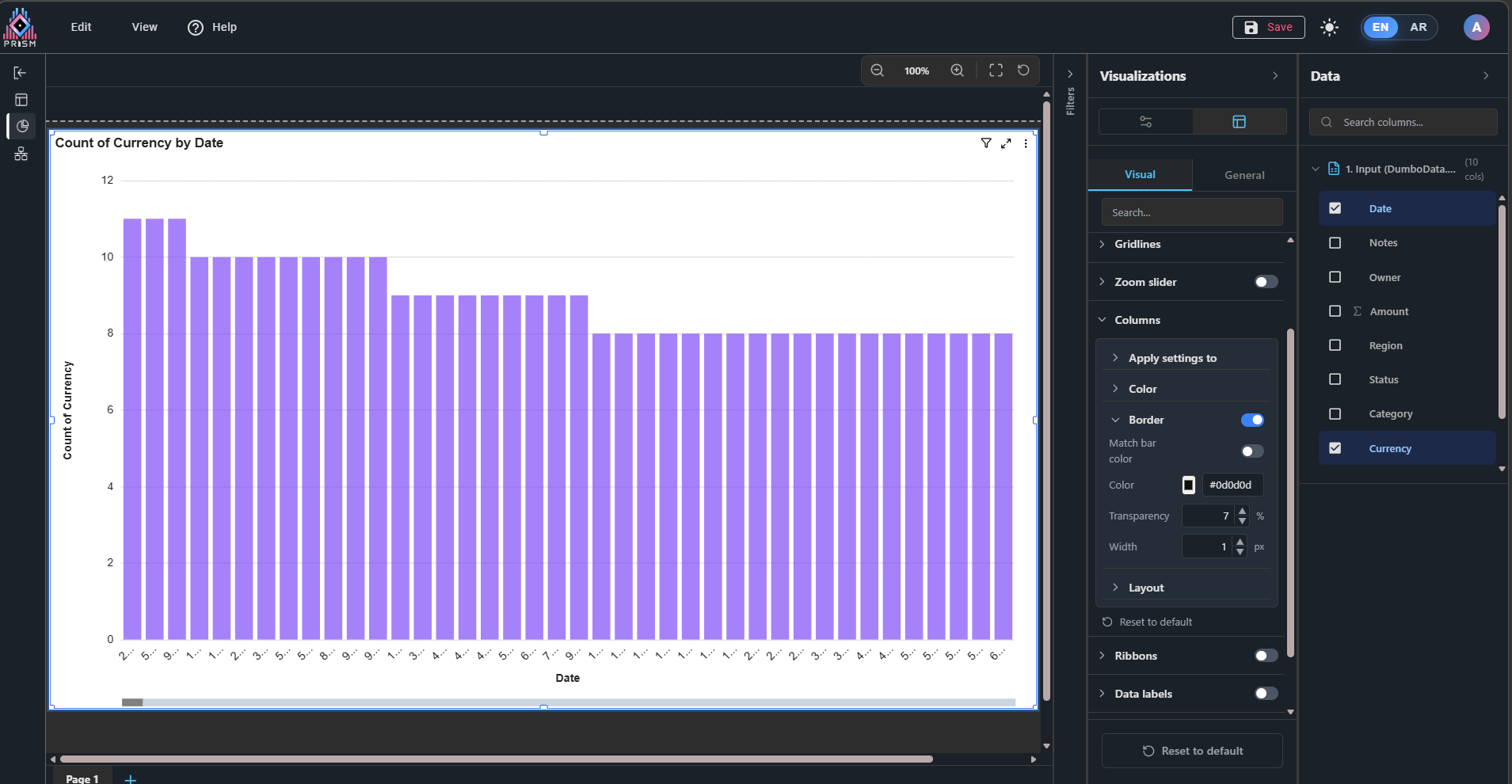
1- In the Columns, the Border property is not functioning.
General Section – General
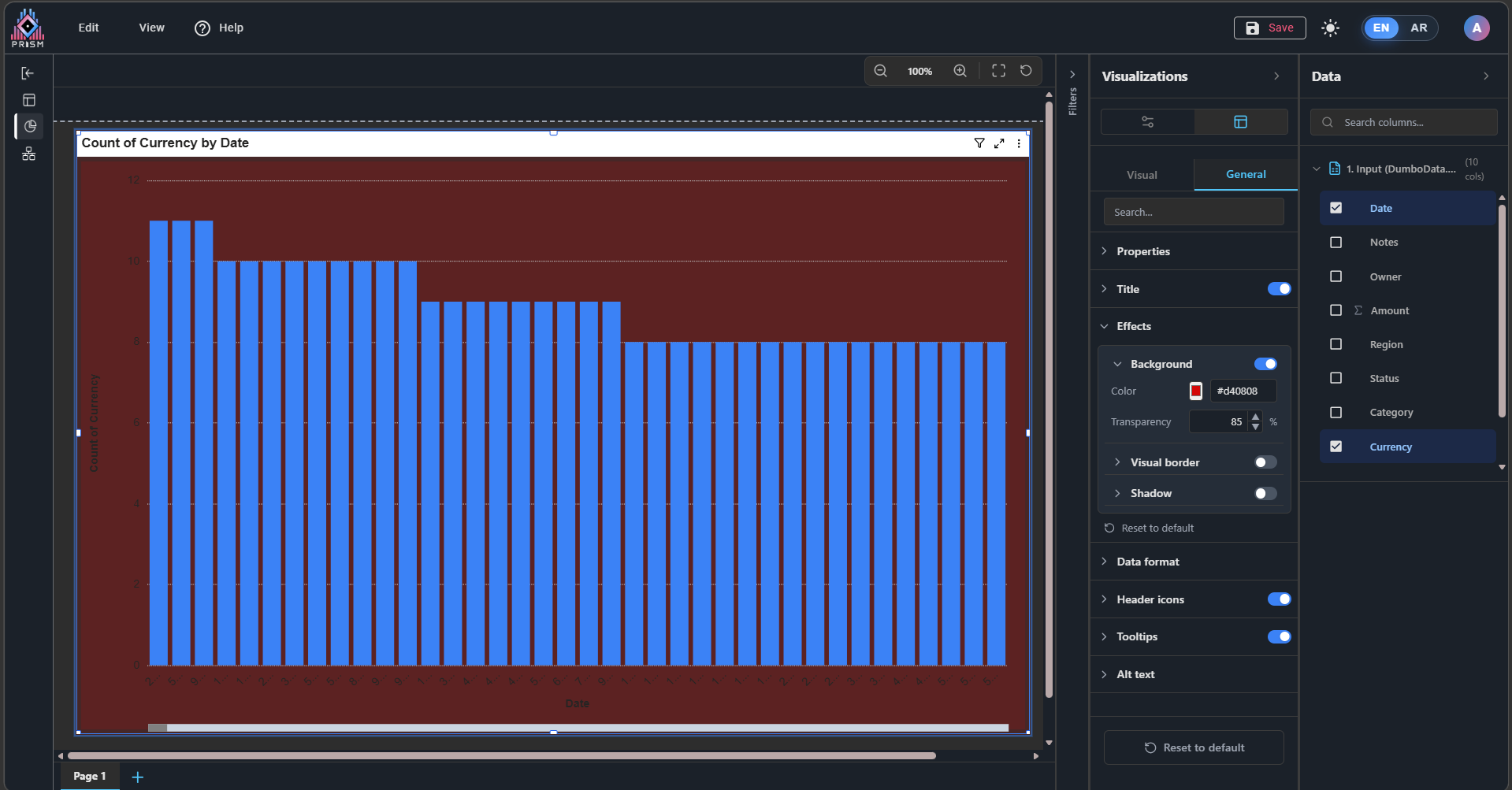
1- In Effects, when adjusting the background transparency, the result appears as color darkening instead of applying actual transparency.
Files
|
1.png (113 KB)
1.png |
Image (1): Shows the issue mentioned in point (1) – X-axis. |
alsaeedai shah, 03/12/2026 09:39 PM
|
|
|
2.png (121 KB)
2.png |
Image (2): Shows the issue mentioned in point (1) – Visual section. |
alsaeedai shah, 03/12/2026 09:39 PM
|
|
|
3.png (119 KB)
3.png |
Image (3): Shows the issue mentioned in point (1) – General section. |
alsaeedai shah, 03/12/2026 09:39 PM
|
|
- Status changed from New to Resolved
- % Done changed from 0 to 100
Resolved - Clustered Column Chart – Visual and General Formatting Issues (Arabic & English Interfaces)
These issues has been resolved and now these all are working fine and as expected :
General Issue with the Chart:
1- When inserting and resizing the chart, the values on the X-axis do not appear completely even when the chart size is reduced.
Visual Section – Visual
1- In the Columns, the Border property is not functioning.
General Section – General
1- In Effects, when adjusting the background transparency, the result appears as color darkening instead of applying actual transparency.
- Status changed from Resolved to Ready For QA
- Status changed from Ready For QA to Waiting for Regression
Also available in: Atom
PDF


 Updated by
  Updated by