Actions
Bug #1796
open

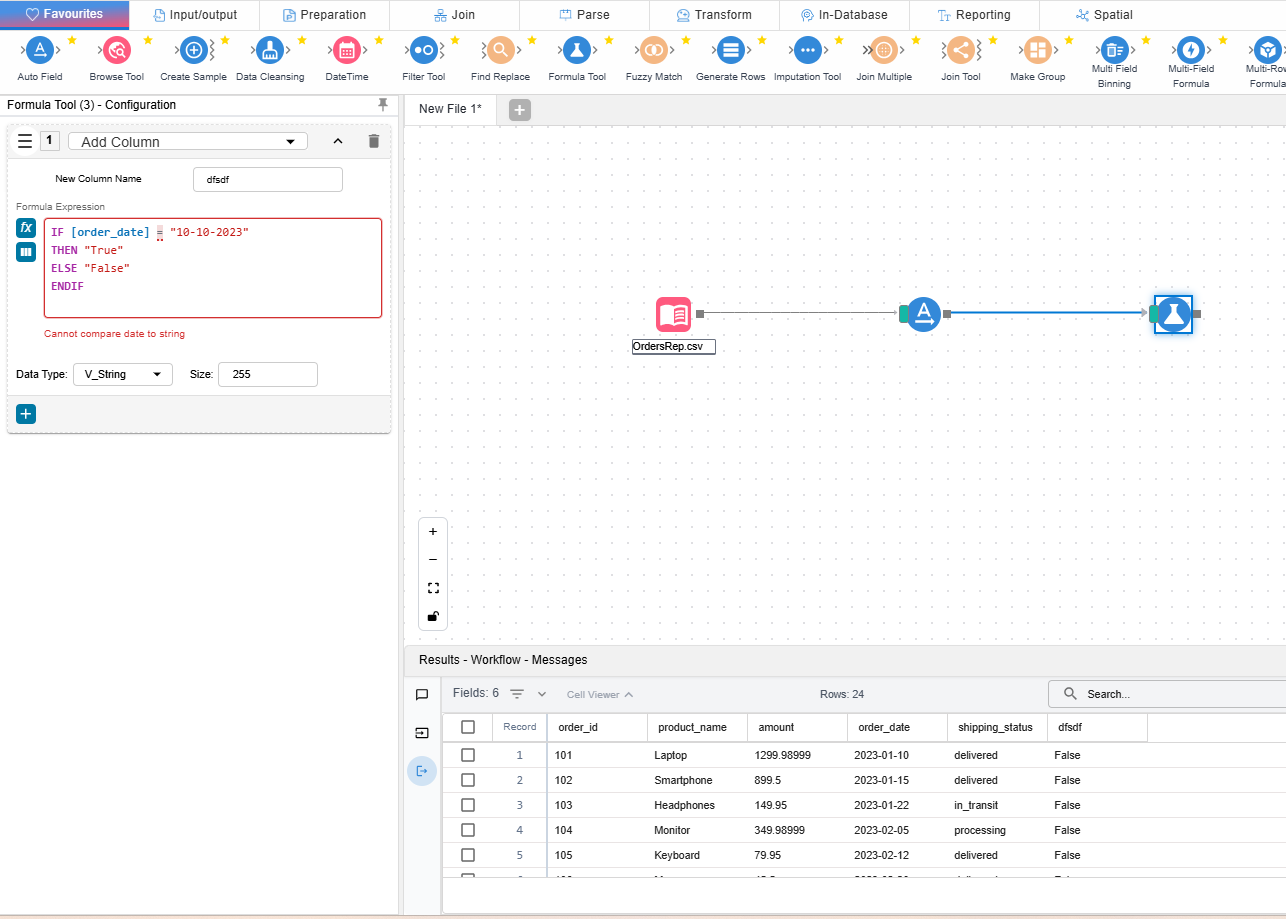
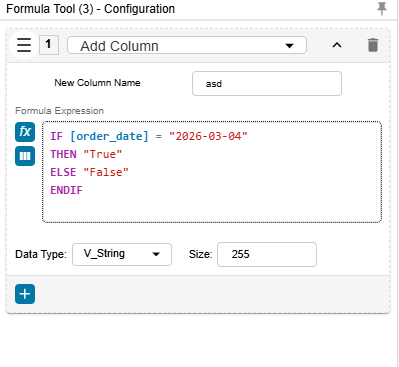
Date time error on Formula Tool
Description
There should be validation on all the date formats on formula tab
Files
 Updated by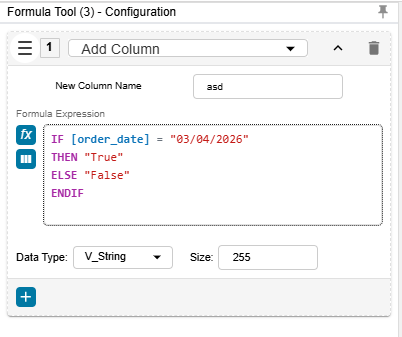
Actions
#2
 Updated by ALi RAZA 2 days ago
- File clipboard-202604171153-werdk.png clipboard-202604171153-werdk.png added
- File clipboard-202604171153-jsk5n.png clipboard-202604171153-jsk5n.png added
- File clipboard-202604171153-zgo3o.png clipboard-202604171153-zgo3o.png added
- File clipboard-202604171154-dyxyt.png clipboard-202604171154-dyxyt.png added
- Status changed from New to Resolved
- % Done changed from 0 to 100
I've fixed a validation issue in the Formula Tool where date values were sometimes treated as plain text during comparisons.
This caused incorrect warnings like “cannot compare date to string” even when users entered valid date values.
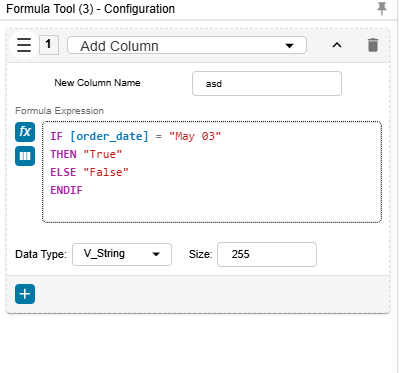
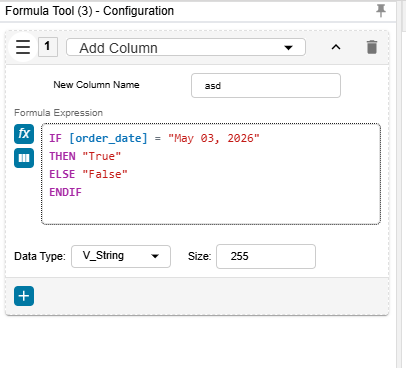
With this update, date and datetime comparisons now work correctly across a much wider range of common date formats, so users can write conditions more confidently without unnecessary validation errors.
Supported formats now include:
- day, dd Month, yyyy
- dd-MM-yy
- dd-MM-yyyy
- dd Month, yyyy
- dd/MM/yy
- dd/MM/yyyy
- day, Month dd, yyyy
- MM-dd-yy
- MM/dd/yy
- MM-dd-yyyy
- MM/dd/yyyy
- Mon dd
- Month dd, yyyy
- Month, yyyy
- yyyy-MM-dd
- yyyyMMdd
- yyyy-MM-dd hh:mm:ss
Actions